Share
Web Design for Conversions: Turning Visitors into Customers
A stunning website is great, but if it’s not turning visitors into leads or sales, it’s not doing its job. At Hiilite, we believe that every design decision should have a purpose and, more often than not, that purpose is conversions.
If you’re a small or medium-sized business looking for web design in Kelowna or BC, this guide is for you. Let’s walk through how smart web design directly impacts your bottom line and what you can do to improve it.
How Website Design Affects Conversions
Research from Northumbria University found that 94% of first impressions of a website are design-related. That means trust, and therefore sales, start with what people see and feel the moment they land on your homepage. And according to Adobe’s State of Content report, 38% of users will stop engaging with a site entirely if the content or layout is unattractive.
It’s not just about looking good. Effective web design:
- Builds trust in seconds
- Guides users toward action (like calling, booking, or buying)
- Reduces confusion and friction
- Reinforces your brand and professionalism
Let’s look at the design features that actually move the needle.
1. Clear, Compelling Calls-to-Action (CTAs)
Your CTA is your closer and the data shows it’s worth getting right. HubSpot found that personalized CTAs convert 202% better than generic ones. Based on consistent findings from conversion research, pages with a focused CTA outperform those with multiple competing ones. More choices create more hesitation, and hesitation kills conversions.
Your CTAs should be:
- Focused towards one goal: don’t include CTAs for multiple goals on the same page
- Visually distinct: use contrasting colours and easy to ready text
- Actionable: e.g., “Book a Free Quote” instead of “Submit”
- Repeated strategically: placed throughout the page at potential decision points
Research shows that reducing clutter around a CTA can improve conversions by 232%, and simply swapping generic button text like “Submit” for something action-oriented can increase conversions by up to 161%. That’s why button placement, page layout, and copy all matter just as much as the button itself.
2. Keep Forms Short and Sweet
The data is clear, nobody wants to fill out a 12-field form. 81% of people have abandoned a form after starting to fill it out, and a 2024 HubSpot study found that each additional field decreases conversion rates by an average of 4.1%. Those losses add up fast.
Some fields are bigger drop-off triggers than others. Unless you genuinely need the information, consider leaving these out or making them optional:
- Phone number: 37% of people will abandon a form that asks for it, unless the field is optional, which nearly doubles completions
- Street Address: carries a similar friction penalty and is rarely needed at the enquiry stage
- Age, City, Province: low-value fields that add perceived effort without adding value for the visitor
Removing even one unnecessary field can boost completions by up to 25%. Research suggests 3 fields for B2C forms and 3–5 for B2B as a starting point. For most small business contact forms, that means name, email, and one qualifying question. You can always gather more in the follow-up conversation.
Shorter forms = lower friction = more conversions.
3. Trust Elements Matter
People won’t buy from someone they don’t trust and on a website, trust has to be earned in seconds. According to BrightLocal, 95% of consumers read online reviews before making a purchase, and 88% trust those reviews as much as a personal recommendation from a friend. Good design earns visual credibility, but these elements do the heavy lifting when it comes to actually convincing someone to act:
- Client testimonials from third-party sources like Google Reviews: third-party reviews carry far more weight than quotes you’ve added yourself; 63% of consumers say testimonials featuring real, named customers are more credible than anonymous quotes
- Logos of brands you’ve worked with: recognizable client logos provide instant social validation. Displaying social proof elements like these can increase conversions by up to 34%
- Industry certifications or awards: 75% of B2B buyers consider industry awards a key part of their purchase decision
- “As featured in” media badges: third-party media coverage signals legitimacy and authority to visitors who don’t yet know you
- Secure checkout badges for e-commerce: 18% of cart abandonment happens because customers don’t trust a site with their payment information; a security badge directly addresses that hesitation
The trick? Don’t bury these at the bottom of the page where nobody scrolls. Place them near your CTAs, alongside service descriptions, and at any point where a visitor might hesitate. Trust signals work hardest at moments of doubt so put them exactly there.
4. Use Visual Hierarchy to Guide Users
Design isn’t just for decoration, it provides direction. The way your page is structured tells visitors where to look, what matters, and what to do next. Get it right and your site feels effortless. Get it wrong and visitors leave confused. Research consistently shows that confusing navigation and unclear page structure are among the top reasons visitors bounce without converting.
Visual hierarchy is the tool that prevents that. It uses size, colour, spacing, and imagery to create a clear path through your page. A few principles that make a real difference:
- Headings should be scannable and purposeful: visitors read in an F or Z pattern, so your most important message needs to hit early and hit clearly
- CTAs should stand out: sites with clear, visually distinct CTAs convert significantly better than those with vague or buried messaging
- Whitespace is doing more than you think: strategically used whitespace increases comprehension by up to 20% by giving the eye room to focus on what matters
- Content blocks should be bite-sized and intuitive: walls of text signal effort; short, well-structured blocks signal ease
Imagery should reinforce action, not distract: visuals that compete with your CTA pull focus in the wrong direction
When these elements work together, your website stops feeling like something visitors have to read and starts feeling like something they can follow. That ease builds trust and drives action.
5. Mobile-Responsive = Conversion-Ready
According to StatCounter, mobile devices accounted for nearly 63% of global web traffic in Q4 2024 and that number keeps climbing. A responsive site is non-negotiable. But beyond just “fitting” on mobile, your site needs to perform:
- Tap-friendly buttons
- Fast loading times. Google’s own research shows 53% of mobile users will leave if a page takes more than 3 seconds to load
- Mobile-specific navigation and content flow
We make sure every Hiilite built website is optimized for mobile and keeps visitors engaged across every device.
6. The Psychology of Colour & Layout
Design psychology isn’t woo-woo, it’s grounded in decades of cognitive and behavioural research. The way your site looks and feels directly influences whether visitors trust you, stay, and take action.
A few principles that make a real difference:
- Use contrasting colours for CTAs: colour psychology shows that the right colour choices drive attention and action at a subconscious level
- Stick to 1–2 primary brand colours: too many competing colours create visual noise, and visual noise creates doubt
- Use whitespace: far from being wasted space, whitespace reduces cognitive overload and helps visitors focus on what you want them to do
- Place key actions in “F-pattern” or “Z-pattern” zones: eye-tracking research from Nielsen Norman Group shows users scan pages in these predictable paths, so CTAs placed along them get seen rather than skipped
Together, these subtle cues reduce friction and make your site feel intuitive, leading to higher conversion rates.
7. Real Content, Not Filler
Generic messaging kills momentum. Good content converts but only when it speaks directly to your visitor, not at them.
Pair strong design with:
- Clear headlines that answer “What’s in it for me?”: your visitor should know within seconds what you do, who it’s for, and why it matters to them
- Simple, jargon-free language: if your customers wouldn’t say it, don’t write it
- Benefit-driven bullet points: focus on outcomes, not features
- Localized content: 46% of all Google searches have local intent, and mentioning your city isn’t just good SEO, it signals to visitors that you actually serve their community
On photos: real beats stock, when you can manage it.
Stock photos aren’t inherently bad and, when used well, they can fill gaps and keep a page looking polished. When real imagery is an option though, it’s worth prioritising. A Marketing Experiments A/B test found that pages using real photos of actual customers converted nearly 35% better than those using stock imagery, and 88% of consumers say authenticity is a key factor in deciding which brands to support.
Where possible, prioritize real imagery in these high-impact spots:
- Your homepage hero: the first image visitors see sets the tone for trust
- Your team page: real faces build human connection before a conversation even starts
- Your service or portfolio photos: showing actual work is far more convincing than a generic visual
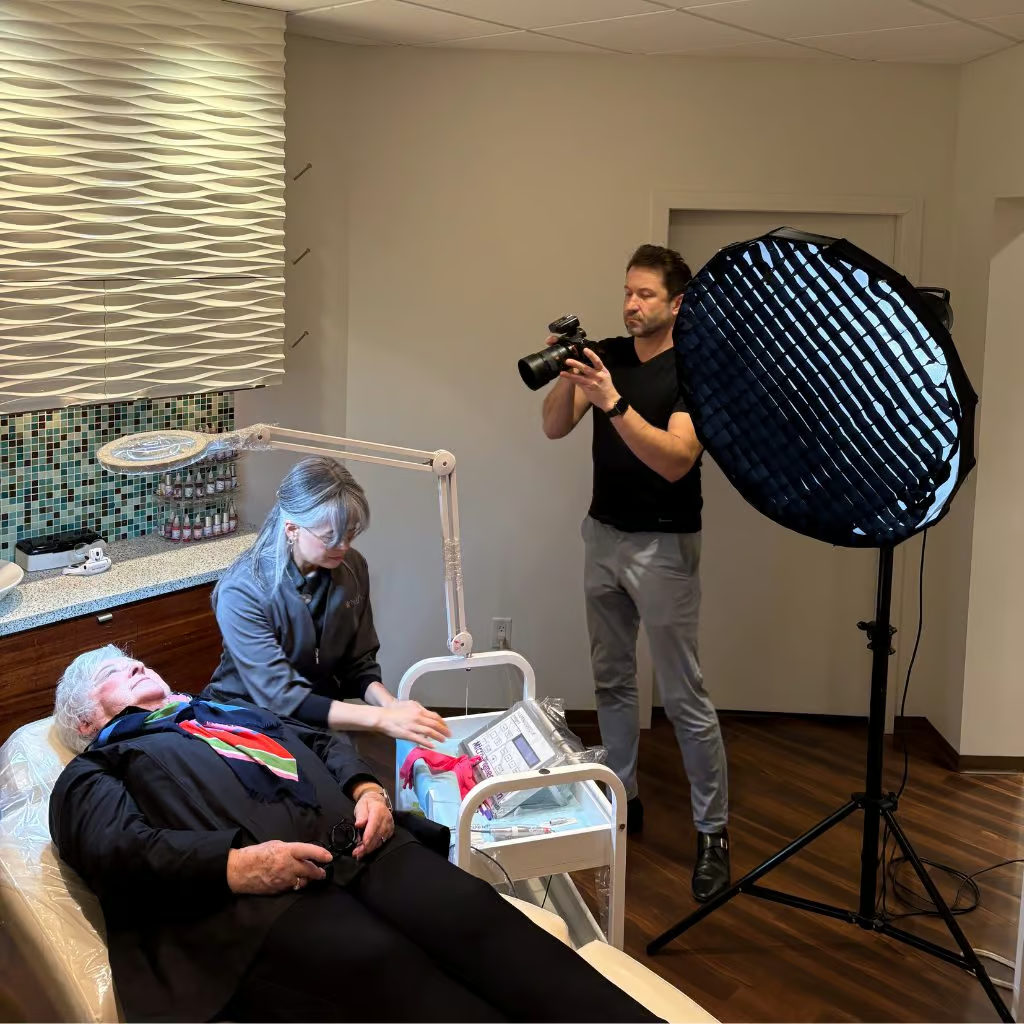
Professional photography is obviously the gold standard, but it doesn’t have to be all-or-nothing. Well-lit smartphone shots of your real team and workspace will outperform generic stock in almost every case. Start where it counts most and build from there.
Design Converts, But Only When Done Right
Great design isn’t just pretty, its persuasive. It removes barriers, builds trust, and leads visitors toward action. And when done well, it works.
At Hiilite, we design websites that are fast, flexible, and above all, conversion-focused. Whether you need more calls, more bookings, or more online sales, we make your website work for your business, not just your brand.
Ready to turn visitors into customers? Book a Free Consultation with our Kelowna web design team and let’s evaluate your website’s conversion potential.